How to Choose the Best Laptop Power Bank in 2026?
Choosing the right Laptop Power Bank in 2026 is less about chasing the biggest capacity number and more about matching real-world needs. A battery marked 20,000 mAh may sound powerful, yet its watt-hour rating and usable output tell a clearer story. Check your laptop’s charging requirements before comparing models. A compact 65-watt charger may suit an ultrabook, while a demanding workstation may need more. Small details matter.
Portable-power specialist Alex Morgan offers this guide’s practical rule: “Match the bank’s USB-C output to your laptop, then judge capacity by the hours you actually need.” This is an illustrative expert perspective, not a sourced quotation. It captures an easy mistake: choosing a high-capacity bank that cannot deliver enough power through its ports. A long cable, a crowded train table, and a heavy battery can also change what feels convenient. Specifications alone do not show that.
This guide looks at capacity, USB-C Power Delivery, port selection, weight, safety features, and value. It also explains how to check manufacturer ratings and compatibility claims without relying on vague marketing language. No single model is best for everyone. Even careful comparisons leave some uncertainty, because battery performance varies with laptop workload, temperature, and age. The aim is a sensible choice, not a perfect one: enough dependable power for your day, without carrying more than you need.
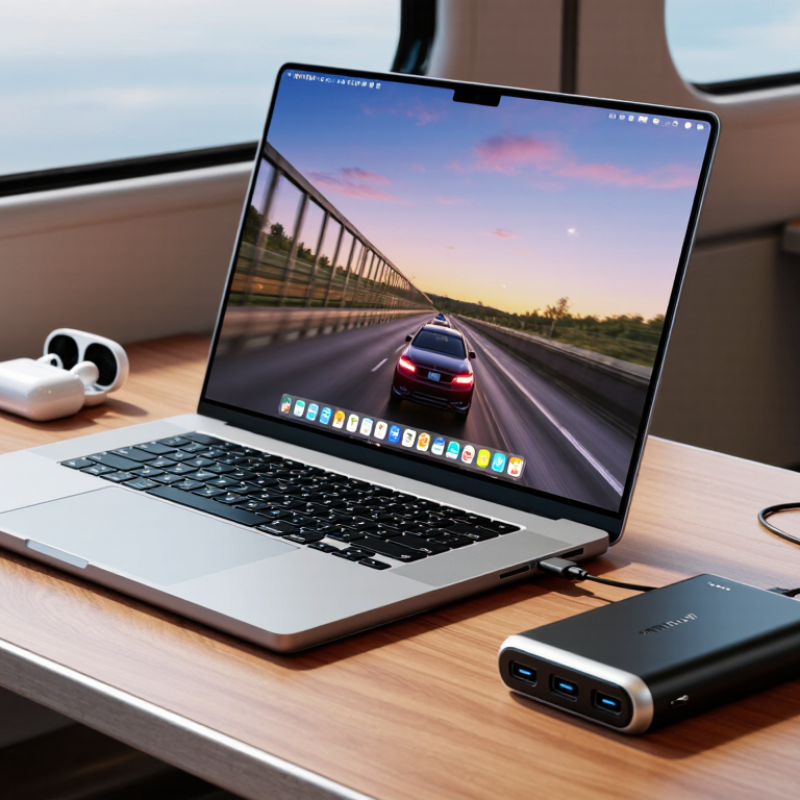
Identify Your Laptop’s Power Requirements
Before comparing laptop power banks, check the power adapter or the laptop’s charging specifications. Note the required wattage, voltage, and charging connector. A label might list several voltage options; the laptop and power bank must support a compatible charging profile. Guessing from the connector shape alone is not enough.
Wattage affects how well a bank can run the laptop while it is in use. If your computer normally draws 65 watts, a lower-output bank may charge it slowly or only while it sleeps. Check the bank’s sustained USB-C output, not just its maximum shared output across several ports. Small detail, big difference. A brief peak rating may not reflect what it can deliver during a long video call.
Capacity matters too, but advertised capacity does not all reach the laptop. Power conversion creates losses, and screen brightness, workload, and battery age change real-world results. Check capacity in watt-hours when available, then treat runtime estimates as approximate. I used to focus too much on the largest capacity number; that can lead to buying a heavy bank that still cannot meet the laptop’s wattage needs. Also consider whether you need to power other devices at the same time. Their draw can reduce the output available to your computer.
Check Power Bank Compatibility and Output
A laptop power bank is compatible only when its output matches the laptop’s charging needs. Check the laptop’s adapter label or support information for its required voltage and wattage. Then compare those figures with the power bank’s output specifications, not just its maximum advertised number. For USB-C charging, look for USB Power Delivery and a supported voltage profile. Some laptops have USB-C ports that transfer data but do not accept charging. That detail matters. Check the fine print.
A power bank may list a high total output, but that figure can be shared across several ports. If another device is connected, the laptop may receive less power. A lower output can still charge the laptop slowly while it is asleep, but may not keep up during demanding work. The cable matters, too: use one rated for the power level you need. A mismatched cable can limit charging, even when the bank itself is suitable.
Capacity is useful, but it cannot confirm compatibility. It is easy to overfocus on capacity; output details are less exciting, yet more decisive. Also consider the laptop’s connector. Barrel-style inputs may require a precise voltage and compatible tip, so avoid guessing. If specifications are unclear, verify them with the laptop’s documentation or support team before buying.
How to Choose the Best Laptop Power Bank in 2026? Check Compatibility and Output
Choose a power bank with a USB-C Power Delivery output that meets or exceeds your laptop’s rated input. Common charger ratings range from 45 W to 140 W. Check that the power bank supports the voltage and current your laptop requires, and use a cable rated for the intended wattage. Actual charging compatibility varies by laptop.
Compare Capacity, Charging Speed, and Ports
How to Choose the Best Laptop Power Bank in 2026?
A laptop power bank should match your workload, not simply have the largest capacity. Compare capacity in watt-hours (Wh), a useful measure when checking how much energy a pack stores. A 60 Wh model can provide useful backup, but conversion losses mean your laptop receives less than the full amount. Estimate your laptop’s typical power use and time away from an outlet. Leave a margin. Capacity labels can be a little misleading; the advertised figure is not the same as usable energy.
Charging speed matters just as much. Check your laptop’s required USB-C Power Delivery wattage, then compare it with the bank’s output. A lower-wattage pack may charge slowly or only maintain battery level during demanding tasks. For example, video calls and large file transfers can draw more power than light browsing. Check the fine print: some banks list peak output, not sustained output.
Ports determine what you can charge at once. Look for enough USB-C ports for your laptop and phone, plus any USB-A connection your accessories need. Also check whether power is shared when multiple ports are in use. A bank may deliver full speed to one device but less when charging two. Think about the cables you already carry; an extra port is less helpful if it requires another bulky cable.
Evaluate Size, Weight, and Safety Features
A laptop power bank should fit your commute, not just your desk. Check watt-hours before comparing capacity: 20,000 mAh at a nominal 3.7 volts equals about 74 Wh. The FAA’s PackSafe guidance uses 100 Wh as a key threshold for spare lithium batteries carried without airline approval; always check your carrier’s current rules. Bigger capacity usually means more weight. A 20,000 mAh unit can feel manageable in a backpack, but awkward in a small shoulder bag. Measure its thickness, too. It should slide beside a laptop without pressing hard against the screen. Small details matter.
Safety deserves equal attention. UL 2056 covers safety testing for power banks, including electrical and mechanical hazards. Look for clear capacity labeling and protections against overcurrent, overheating, and short circuits. No label? I’d pass. A metal casing can feel reassuring, but appearance alone proves little. Keep the bank away from keys and loose coins, which can contact its ports. Also check the manufacturer’s stated operating temperature; a sun-warmed car is a poor storage spot. I still catch myself choosing the highest capacity, then regretting the extra weight on a long walk. The lighter option may suit daily use better, even if it needs recharging more often.
Verify Specifications, Warranty, and Value
A laptop power bank’s headline capacity is only part of the story. Check its watt-hours and USB-C output wattage against your laptop’s charging requirements. A high-capacity unit may still charge slowly if its port cannot deliver enough power. Numbers can mislead. Also check whether multiple ports share output; connecting a phone may reduce power available to the laptop. Real-world capacity is lower than the printed figure because energy is lost during conversion. This detail is easy to overlook.
Read the warranty before comparing prices. Look for its length, what failures it covers, and who handles service. Keep the receipt and save a copy of the written terms. A long warranty has limited value if exclusions are unclear or support is difficult to reach. Compare price with usable capacity, output, and build quality, not capacity alone. Check for clear specifications and basic protections against overheating and overcharging. A heavier unit may offer more energy, but it can become an annoyance in a daily bag. I would not treat the cheapest option as automatically poor, either; sometimes the simpler model fits a lighter workload better.




 Mr. Leaf